


Create Your Segments in Seconds.
Creating a segment can be technical and complex, especially when you need to combine several criteria to reach the right audience.
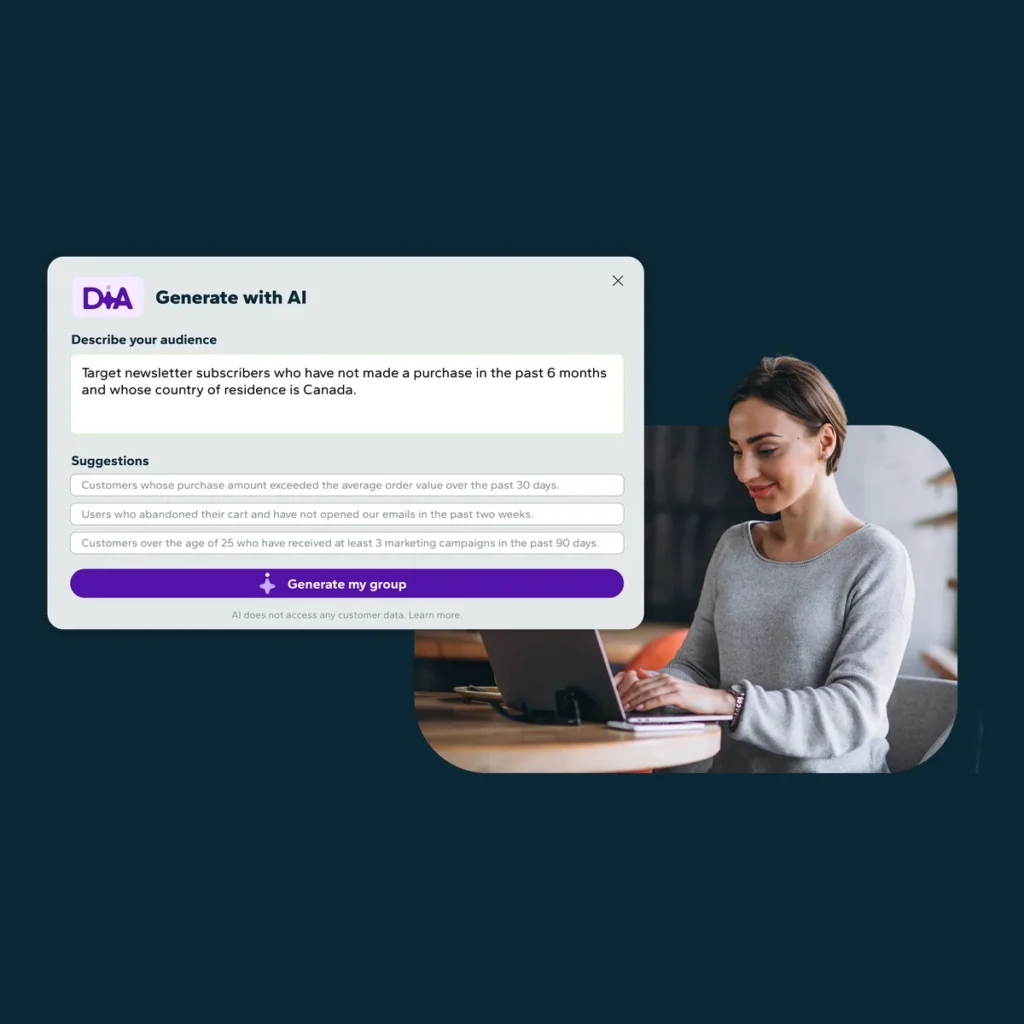
With AI Segmentation, simply describe the audience you want to target in your own words. DiA translates your intent into segmentation criteria and prepares your segment in seconds.
Create precise segments and validate your targeting independently.
AI Segmentation is available with all Dialog Insight plans.
The Benefits of AI Segmentation
Work More Independently
Create and refine your segments without relying on technical teams.
Validate Your Targeting with Confidence
Get an AI Summary that explains your segment criteria in plain language, so you can confirm that the segment matches your intended audience.
Launch Your Campaigns Faster
Reduce the time spent preparing your audiences and accelerate the deployment of your campaigns.
Create Relevant and Engaging Campaigns
Use your customer data more easily to create precise audiences tailored to each campaign.
How Do I Generate a Segment with AI?
1. Describe Your Target Audience
Explain to DiA, in your own words, who you want to target.
For example: “I want to target contacts who subscribe to my newsletter, have not made a purchase in the past six months, and live in Canada.”
2. Let DiA Generate the Criteria
DiA analyzes your request and automatically translates it into segmentation criteria.
3. Review the Proposed Criteria
Review the conditions generated by AI. If needed, consult the AI Summary for a plain-language explanation of your targeting. Once you are satisfied with the proposal, click “Save.”
The possibilities are as varied as your data. Try AI Segmentation today and discover just how quick and easy audience creation can be.
Frequently Asked Questions (FAQ)
Do I Need to Know the Exact Criteria to Use?
No. Simply describe the audience you want to reach. DiA translates your intent into segmentation criteria.
Can I Quickly Understand a Segment’s Conditions?
Yes. The AI Summary presents the different conditions that make up your segment in plain language, helping you quickly understand its logic.
Can I Modify the Proposed Segment?
Yes. You can manually edit the segmentation criteria or ask DiA to refine the segment. However, you must include all the criteria in your new request, since the new request replaces the previously generated criteria.
Can I See the Size of the Segment?
Yes. When you click “Save,” the number of contacts matching the generated criteria is displayed.
Can I Refine My Existing Segments with AI?
Yes. You can refine your segments with AI at any time. However, it is best to create a new segment to avoid modifying a target audience currently being used in a campaign.